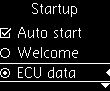
Startup
Here you can change how FISPlus behaves when starting up.
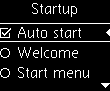
Auto start
Press Enter to enable or disable this option.
When this option is disabled, FISPlus will not appear automatically when you turn the ignition on.
You will need to open the Phone menu by using the cluster's regular menu system.
Welcome
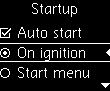
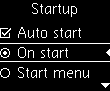
This option controls if/when the installed welcome message is displayed.
It has an effect only if a welcome message is installed. Check out the Update webpage (Welcome message) chapter to find out how to install one.
Press Enter to start editing it, Up/Down to change the setting, then Enter again to save it.
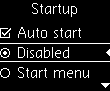
- - message will not be displayed
- - message will be displayed when the ignition is turned on
- - message will be displayed when FISPlus starts
Start menu
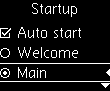
This option lets you choose between either starting on or on .
Press Enter to start editing it, Up/Down to change the setting, then Enter again to save it.
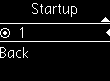
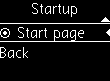
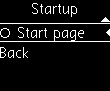
Start page
This option lets you choose which page of to start on.
Press Enter to start editing it, Up/Down to change the setting, then Enter again to save it.